
Coaching app, iOS and Android
ProFlow Academy
A posing coaching programme turned into a real product, live on both app stores, with a website in nine languages that sells it.


Want something like this for your business?
Tell us what is slowing the business down and we will tell you what we would build, roughly what it would cost and how long it would take.
What they were dealing with
The coaching ran out of direct messages and scattered video links. Every new member meant re-sending the same files, and nobody could see who had watched what, or who had gone quiet.
What we did about it
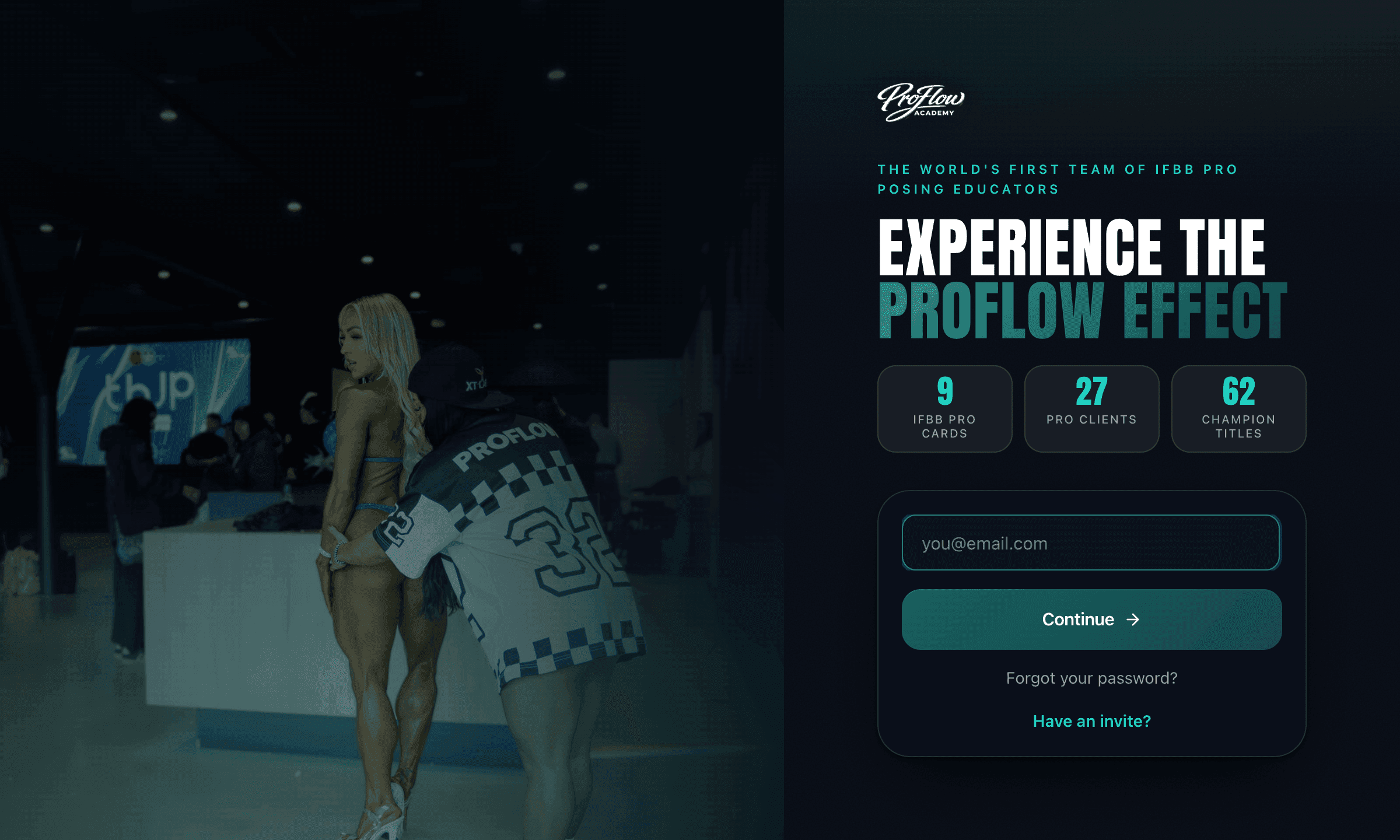
We built a native app for iOS and Android with role-based dashboards for admin, coaches and clients, so what you can do depends on who you are rather than which link you were sent.
The programme itself became a video library with timed unlocks, so content arrives in the order the coaching intends rather than all at once on day one.
Around it: custom check-in forms, progress photos and video, prepaid session balances, booking inside the app, community posts and replies, push notifications that reach the phone rather than an inbox, and one-tap translation for members who do not read English.
What Mia made of it
Everything above is us describing our own work. This is the person who paid for it, in a review published where we cannot edit it.
“They were knowledgeable, proactive, and very efficient.”
What Mia says it did for the business
“Met project milestones ahead of time. Increased client base by 15% in the first month.”
Everything we built into it
Booking inside your own branded app
A booking screen that embeds the right coach's calendar directly inside the app, themed to the brand, so clients book and pay without leaving to a plain external page.
Prepaid session balance tracker
A prepaid-session system where staff grant a client a block of sessions, log a completed session to reduce the balance with an undo, and see remaining count and expiry per block.
A design system, so every screen matches the last one
One living style reference inside the product holding the type, colour, spacing and components every screen is built from.
Member video academy with timed unlocks
A private members video library where each lesson unlocks a set number of days after the member starts, and the playable video is only released server-side once it is actually unlocked for that person.
Custom check-in form builder
A builder where a coach assembles check-in forms from question types (text, number, scale, yes or no, choice, photo, video) and clients fill them in, uploading progress photos and videos to a private store.
Progress photo and video tracking
A progress screen where clients capture or upload photos and videos over time, with native camera capture, on-device video compression, and a side-by-side comparison of any two dates.
Everything you know, in one place customers can search
A searchable library of the business's own videos and material, organised by category, available to customers inside the product.
A message that reaches the phone, not the inbox
Push notifications to the customer's phone for the things that matter, rather than another email into a full inbox.
One-tap AI translation
A translate control on community posts, replies and messages that translates the text on demand with AI, caches it, and lets the reader flip back to the original.
Seeing who has not come back to you
Outstanding responses are tracked and counted, so who is overdue is visible at a glance rather than worked out from memory.
Headline numbers the client edits themselves
The figures on the front of the app are read from a record the owner can edit in their own admin screen, not typed into the code.
Fresh data the moment you come back to it
Bringing the app back into focus quietly refetches what is on screen, so nothing shown is left over from yesterday.
A welcome message that is already written
When a customer is invited, the system builds the ready-to-send message including their link and the right store for their phone, for staff to copy and send.
The same kinds of work, across every build: booking, tickets and getting paid, client portals and paperwork, apps and members, sites and content and running the business.
The website that sells it
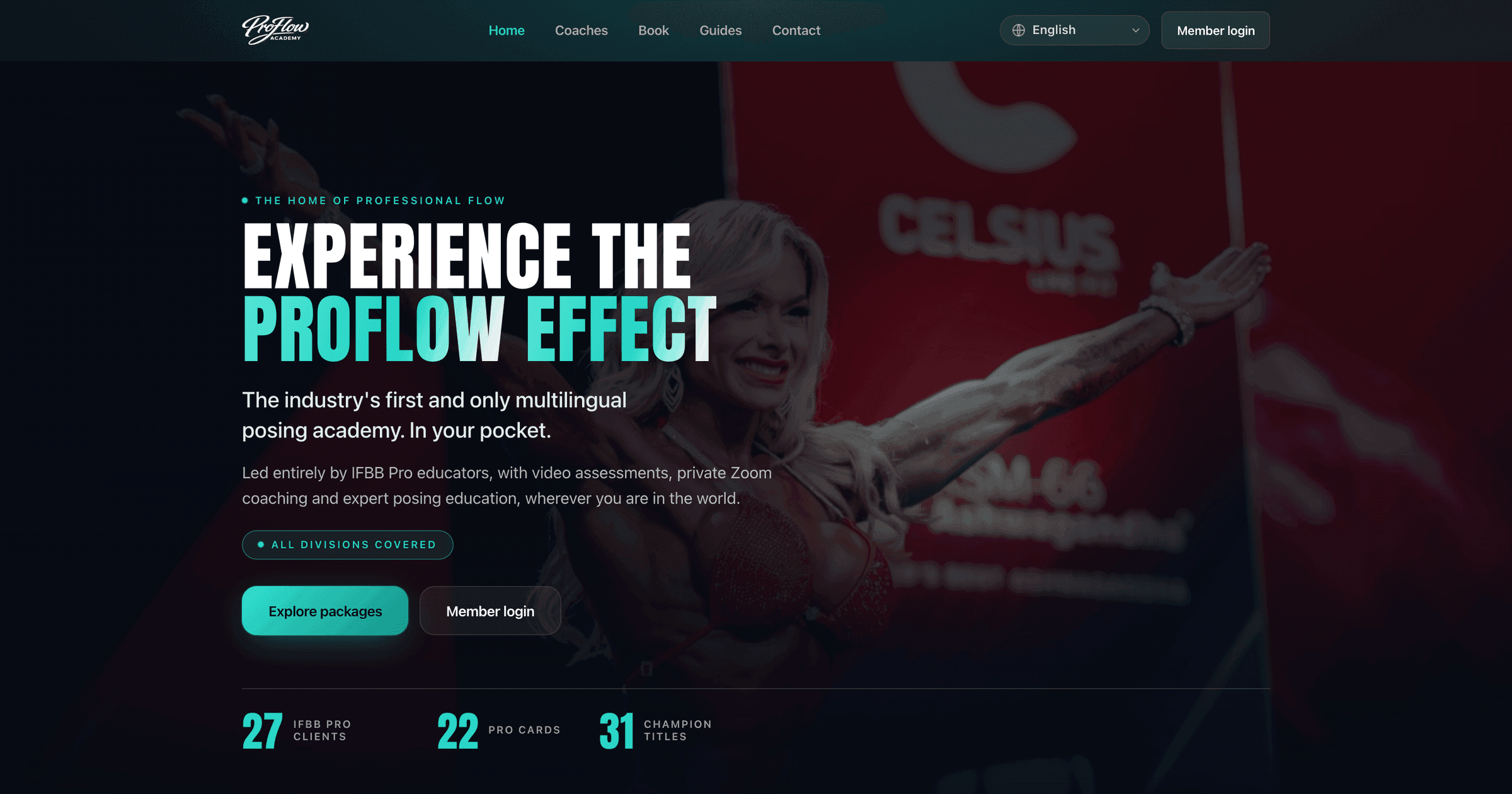
The front door that sells the programme before anyone downloads anything, in nine languages.
What the site had to do
An app on a store page sells nothing. The programme needed somewhere to explain itself, to people in several countries, before the download was ever a question.
What we did about it
We built the site in nine languages, with the coaching team, the packages and the proof laid out properly rather than crammed into a store listing.
Checkout is handled inline, and every route on the site points at the same next step: create an account and start.
English is the source of truth and every other language is kept level with it, so nobody lands on a page that gives up halfway through and reverts to English.
Choosing a coach re-prices the whole page: every membership, package and single session shows that coach's own rate, and the checkout button follows. A coach who is not taking clients cannot be booked even from a link somebody kept from last month.
Buying is one tap. There is no basket to build and no account to create first, and paying lands on a page that says what happens next and when the login arrives, rather than dropping them back on the homepage.
Everything we built into the site
Pick your coach and every price on the page changes
A visitor chooses which coach they want to work with, and every price, package and checkout button on the page re-prices itself to that coach's own rates before they click anything.
A coach who is not taking clients yet cannot be booked, even from an old link
Coaches are marked available or not, and an unavailable one is refused everywhere: the picker will not select them, and a saved or shared link naming that coach falls back instead of quietly letting the booking through.
Buy in one tap, with no basket and no account first
Each membership, package and single session goes straight to its own secure checkout for the chosen coach, so there is no basket to build and no account to create before paying.
A page after payment that tells them what happens next
Paying lands the customer on a page that explains what happens now and when their login arrives, rather than dropping them back on the homepage. It is deliberately kept out of search, because it is a fulfilment page, not a shopfront.
Nine languages, and no page that gives up halfway through
The whole site is published in nine languages with English as the single source of truth, and every other language is held level with it, so a visitor never lands on a page that starts in their language and reverts to English partway down.
Online or in the room, chosen on the same page
Sessions can be bought online or in person, with the actual locations the coaches travel to offered as part of the same choice rather than hidden in an email exchange.
Got a job like this one?
Tell us what is getting in the way and we will tell you what it would take to fix, what it would roughly cost, and how long it would take.