
For UK accountancy practices
A client portal that collects the paperwork for you.
A client portal for an accountancy practice is a private login where each client sees their own work with you: what you are still waiting for, the records they have already sent, their engagement letter, their accounts and their fee. It is for practices whose January is spent chasing bank statements. We build it around your own way of working, and you own it once it is paid for.
Sound familiar?
Emailing the same client for the third time about one bank statement.
Receipts arriving as photos in a message thread.
An engagement letter printed, signed, scanned and then lost.
Self assessment season spent answering “what else do you need?”
A portal answers that question without anybody in the office typing a reply, and every record lands against the right client and the right year.
What a client portal does for an accountancy practice
It shows one client their own file and nothing else: the year or the quarter you are working on, what is still outstanding on their side, the documents they have sent, the ones you have produced for them, and what they owe. Your team works from the same record, so when something is marked received in the office the client sees it as received too, without anybody writing an update.
That is the difference between a portal and the folder and inbox most practices run on. A folder holds a bank statement but cannot tell a client that their VAT return is with you and their payroll is waiting on them. The question your clients ask most is what the front page should answer, and for most practices that question is some version of “what do you still need from me?”.
Who sees what, decided before anything is built
This comes first in a practice, ahead of anything on the screen. A director with two companies and a personal return should see all three and nothing belonging to anybody else. A bookkeeper at the client's end might see the records but not the fee. Your own staff may be allowed every client, or only their own. Each of those is a decision about your practice rather than a setting, so we take it at the start and build to it.
Identity documents, financial paperwork and signed agreements never sit on a public web address. Each one is visible to the people it belongs to, and the system keeps a record of who opened, signed or uploaded what, and when, which is the record that settles a disagreement a year later.
The chasing it takes off your week
A request for records goes out as a list the client can work through, rather than an email somebody has to rewrite each January. The engagement letter is created from your own template and signed online, and the signed copy is filed against the client instead of coming back as a photograph of a page. Receipts and statements are uploaded straight to the year they belong to. The fee shows what is owed with a way to pay it beside it, so settling up is part of the same visit.
Every one of those is a point where a job currently stops and waits for somebody to chase. The pieces are all in the portals and paperwork part of the catalogue, where you can read what each one does.
Where a login helps, and where a plain link is better
A login earns its keep for the client relationship that runs all year. For a single action, such as a new client sending identity documents once or approving one set of accounts, asking somebody to create an account first is how that job never gets done. Those go out as a secure one-off link instead: the client opens it, does the one thing, and the answer is filed against their record. A practice usually wants both, and the guide to client portals works through how to tell which is which.
What it costs, and how a build starts
It moves with what the portal has to do: how many people at a client see it, whether fees are paid through it, and how much of your current system it has to read from. We scope yours on a call and fix the build fee in writing, and the monthly retainer afterwards covers hosting, monitoring, changes and the parts that should not be edited by hand. The project briefing shows how we price before you speak to anybody, and how a build runs sets out what you see each week.
The proof
The practice we have built for, open for anybody to read
My Trusted Accountant is a Leyland practice whose website we rebuilt, and the live site is one click away. A portal is the other half of that year, and the pieces it is made from are ones we have already built and run: a login showing one client their own file, agreements signed online, intake links that need no account, and documents kept off any public address. Each one is in the catalogue with what it does.
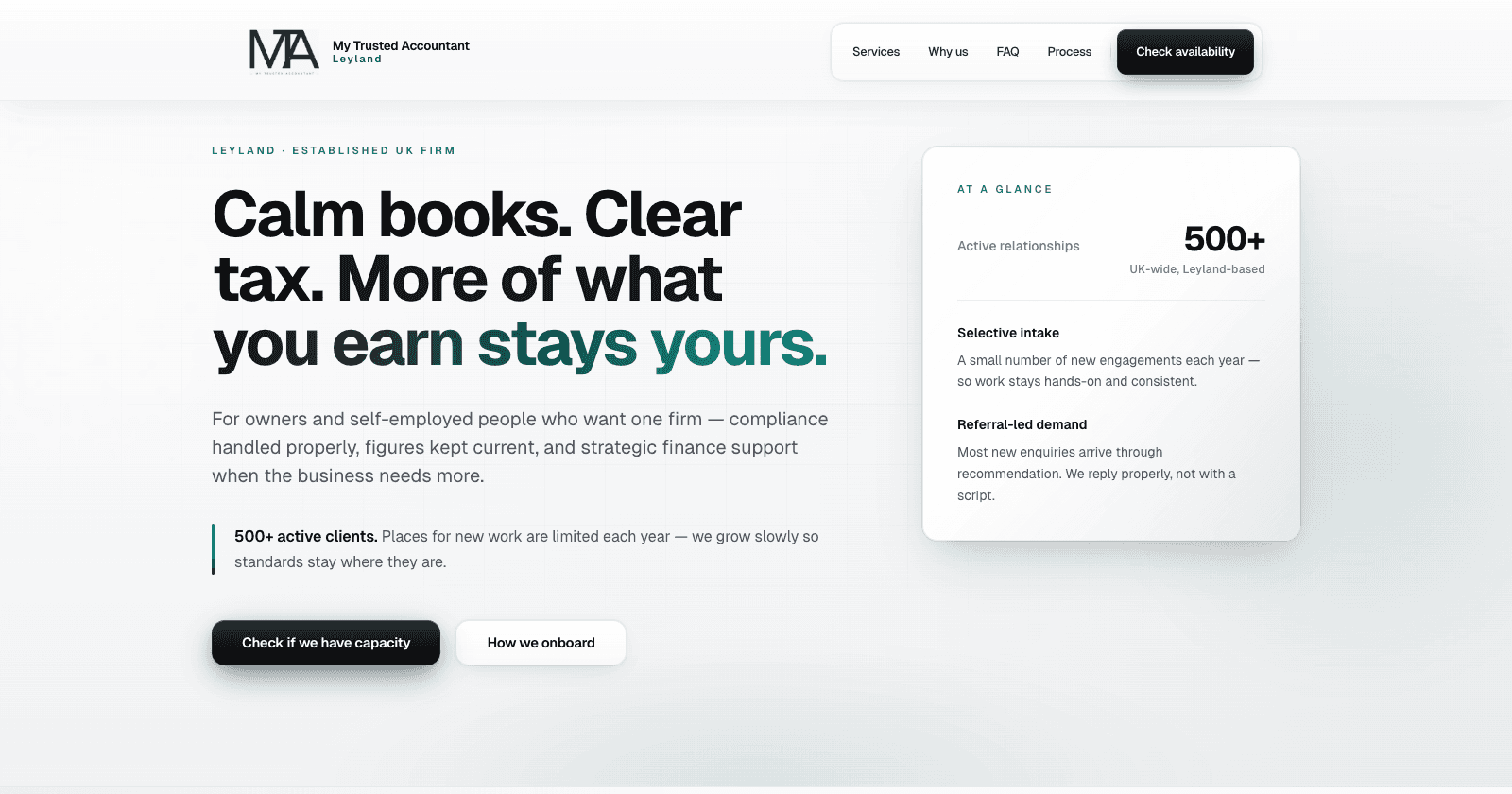
Accountancy practice, Leyland
My Trusted Accountant
A trust-led rebuild for a practice competing on credibility rather than price.
Questions we get asked
- What is a client portal for an accountancy practice?
- A private login where each client sees their own work with you and nothing else: what you are still waiting for, the records they have sent, their engagement letter, their accounts and their fee. It reads from the same record your team works from, so it stays right without anybody updating it.
- Can clients send us their records and receipts through it?
- Yes, and they land against the right client and the right year rather than in an inbox. Statements, receipts and paperwork can be uploaded in the portal, or sent through a secure link for a client who would rather not sign in.
- Can clients sign their engagement letter in it?
- Yes. The agreement is created from your own template and signed online, and the signed copy is saved against that client with the name and the time on it, so nothing has to be printed, scanned or chased.
- Is it safe enough for identity documents and financial paperwork?
- It is safer than email, which is where most of it travels today. Each document is visible only to the people it belongs to, nothing sits on a public web address, and the system records who opened or uploaded what, and when.
- Do our clients have to create an account?
- Only for the ongoing relationship, where signing in is worth it because they come back. One-off jobs such as a first set of identity documents or approving one set of accounts go out as a secure link with no account, and the answer still lands against their record.
- Will it work with the software the practice already runs on?
- Where your current system has a proper way in, the portal reads from it, so there is one set of figures rather than two. Where it does not, the portal holds that part itself. We work that out with you before anything is built, because it changes what the first version should do.
- What does a client portal cost to build?
- We scope yours on a call and fix the build fee in writing, then a monthly retainer looks after it. What moves the number is how many people at each client use it, whether fees are paid through it, and how much of your existing system it has to read.
Where to go next
- Websites for accountancy practicesThe practice website that wins the client in the first place.
- Client portal developmentThe same work for any business, not only a practice.
- What is a client portal?What one should let customers do, and when you are ready for one.
- My Trusted AccountantThe Leyland practice whose website we rebuilt, written up in full.
- Portals and paperwork we have builtLogins, signing links, intake forms and document gates.
- Software for professional servicesThe wider trade this sits in, and what else it asks for.
Spending self assessment season chasing paperwork?
Tell us how records reach you now and what your clients ring to ask. We will tell you what a portal would take and roughly what it would cost.